
Bliss Guides
Which iPad Case Fits? Find Your Model Before Buying
Find your iPad model number and choose a cover that fits. Check the generation, openings, Apple Pencil holder and keyboard setup before ordering.
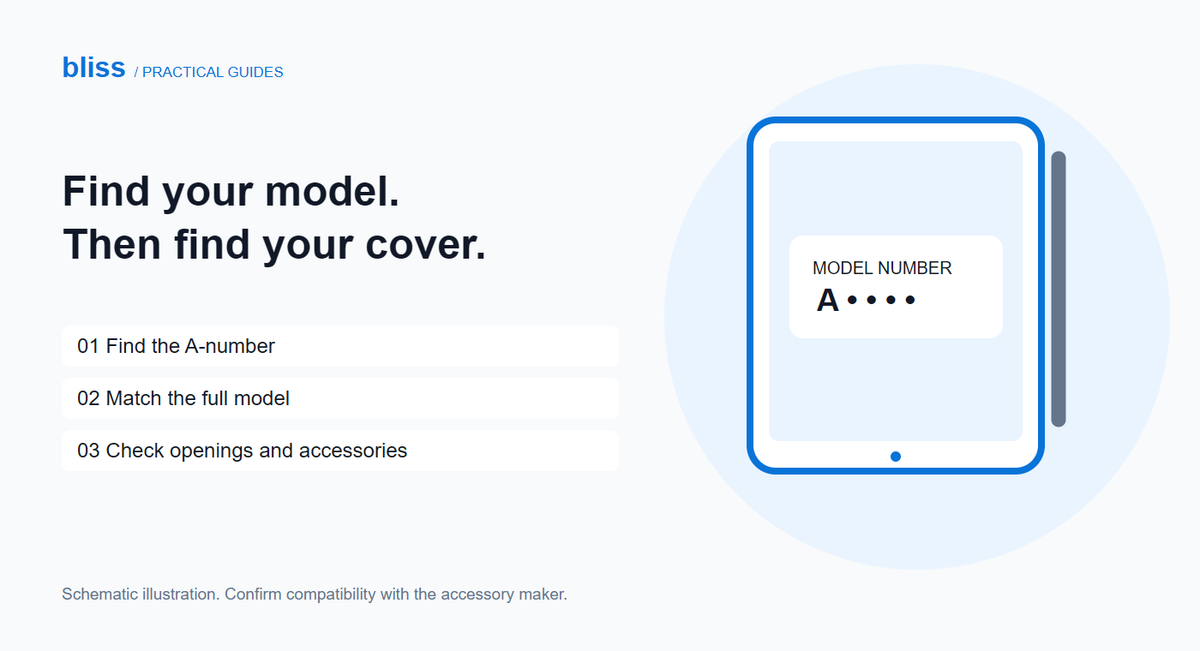
To buy the right iPad cover, find your iPad’s A-number, match it to Apple’s model list, then check that the cover names that exact model. Screen size alone is not enough. Before ordering, also check camera openings, buttons, the charging port and any Apple Pencil holder.
“It’s the big iPad” is a perfectly understandable description at home. It is less useful when you are choosing between several almost identical covers online. A minute spent checking the model can save a return, especially when you are buying a gift or replacing a cover for an older tablet.
How do you find your iPad model number?
- Open Settings → General → About.
- Find the Model Number row. The value initially shown is the part number; tap it to reveal the model number.
- Copy the A-number, then look it up in Apple’s iPad identification list.
- Write down the complete model name, including its size and generation or chip name where listed.
These steps follow Apple’s model-number instructions. Do not confuse the A-number with a serial number. If you send a screenshot to a seller, crop it to the model information rather than sharing the whole About screen.
For example, Apple identifies A2759 as an iPad Pro 11-inch (4th generation), while A2836 identifies an iPad Pro 11-inch (M4). Both names include “11-inch”; they are not the same model. These examples explain why a size-only listing needs another check, not whether a particular cover fits both.
What should the cover listing actually say?
Look for an explicit compatibility list. A title such as “iPad cover, 11 inch” leaves too much unanswered. Ask the seller to confirm your complete model before choosing a colour.
| What you know | What to check next |
|---|---|
| Only the screen size | Find the A-number; do not order on size alone. |
| Complete model name | Match it to the listing’s supported models. |
| The listing supports several generations | Confirm that your generation is explicitly included. |
| The photos look right but the description disagrees | Ask which version will actually be supplied. |
One cover can legitimately support more than one model, but that is a claim for its manufacturer to make. For example, Logitech’s Rugged Lite brief explicitly lists supported iPad generations and model numbers. Treat that level of detail as a useful buying standard, not as a reason to assume every similarly shaped cover has the same compatibility.
Check the Pencil holder and keyboard separately
A place to store a stylus is not a promise that it will pair or charge there. Note the exact Pencil or stylus you use, then ask whether the holder is designed for it and whether you can access its charging connection without removing the tablet.
Apple’s USB-C Apple Pencil instructions, for instance, use a cable for pairing and charging. A magnetic storage position should not be mistaken for a charging feature.
If you use a keyboard, check the complete arrangement: tablet, cover, keyboard and stand. Ask whether the cover must come off before attaching the keyboard. That can matter more in everyday use than an extra pocket you rarely need. For a folio, look for photos showing the stand in use rather than only a closed front cover.
What to check when the cover arrives
- Compare the packaging with your order. Check the model variant before fitting it.
- Follow the fitting instructions. If a corner will not seat with normal handling, stop rather than bending the tablet or forcing a clip.
- Inspect the openings. Look at the camera, speakers, microphone areas, buttons and charging connection.
- Try your routine. Connect your usual cable, open and close the lid, and test the stand on a stable desk.
- Keep the packaging until you have checked it. If something does not align, photograph the mismatch and contact the seller about the available remedy.
For a purchase enquiry in Pakistan, a useful message is: “My iPad is [full model], A[number]. I use [Pencil/keyboard]. Can you confirm the exact cover variant, show its openings and explain your exchange terms?” This gives the seller something specific to verify.
You can check Bliss’s Tab Covers category for current listings. If it is empty or your model is absent, ask about availability before placing an order; this guide does not imply that every model is stocked.
Frequently asked questions
Is the year I bought my iPad enough to choose a case?
No. A purchase date does not identify the hardware model. Find its A-number and match the full name to the cover’s compatibility list.
Can a universal tablet sleeve replace a fitted cover?
They serve different routines. A sleeve is something you put the tablet into for carrying; a fitted cover is intended to remain attached during use. Check the sleeve’s internal dimensions, including any cover you plan to leave on.
Will a cover with a Pencil slot charge my Pencil?
Do not assume so. Ask about storage, pairing and charging as three separate features, using the exact names of your iPad and Pencil.
Source check: 1 November 2026. Prepared for Bliss with AI assistance using the manufacturer references linked above. This is a buying checklist, not a hands-on test of a particular cover. The accompanying illustration is schematic.
Keep exploring

USB-C Headphones Not Working? Check the Adapter and DAC
Troubleshoot USB-C headphones with compatibility checks, DAC adapter guidance and simple comparisons before replacing your headset or adapter.
Read the guide
How to Remove a Tight Phone Case Without Forcing It
Learn how to approach a tight phone case, distinguish flexible and layered designs, avoid forcing the phone and recognise when to stop.
Read the guide
Privacy vs Clear Screen Protector: Which Should You Choose?
Compare privacy and clear screen protectors, viewing angles, brightness and unlocking compatibility. Use a practical checklist before buying.
Read the guide
How Many Charges Does a 10,000mAh Power Bank Give?
Understand power-bank capacity with a clear Wh calculation. Compare 10,000mAh and 20,000mAh examples, charging losses and your daily needs.
Read the guide